


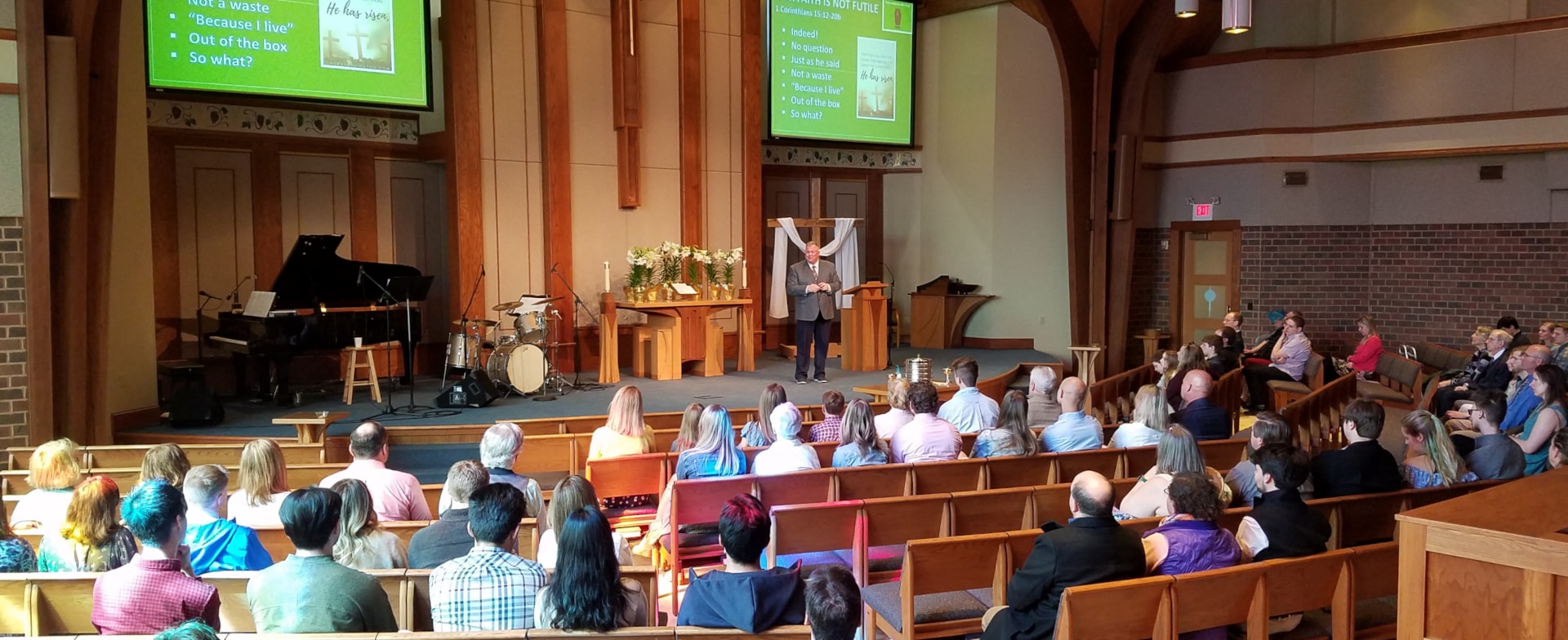
“For where two or three gather in my name, there am I with them.” (Jesus, Matthew 18:20)
Having trouble watching the service online?
If the video doesn’t appear, or if it pauses or stutters during the broadcast, here are some things to check:
If you’re using a desktop computer or laptop…
- Check your Internet speed at speedtest.net. For a reliable viewing experience we recommend a download speed of at least 700Kbps.
- Update your web browser to the latest version.
- Be aware that other people watching video (Netflix, YouTube, etc.) on your home network will reduce your available bandwidth and may interfere with live streaming quality.
If you’re using a smartphone or tablet…
- Close other apps that may be connecting to the Internet and using bandwidth in the background.
- If you’re using a cellular service to connect to the Internet, verify that your device is receiving a strong signal (more than one bar).
- If you’re using Wi-Fi to connect to the Internet, check your device settings and verify that Wi-Fi is turned on and that you can access the web.
No audio? Some web browsers may automatically mute the sound for videos when they begin playing. If you see the live broadcast but don’t hear any audio, please check your Vimeo player volume level (lower right hand corner of the video) and adjust it as needed.